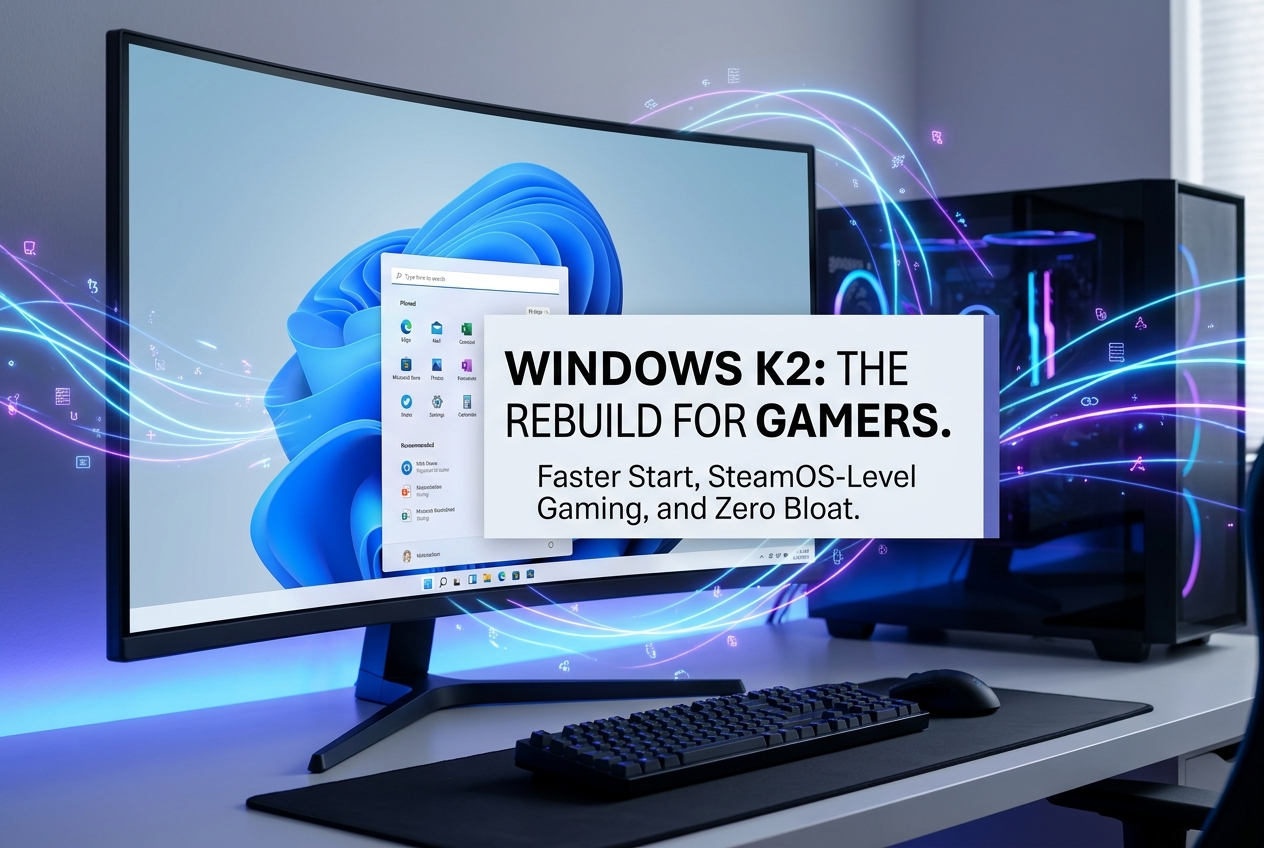
Microsoft’s internal “Windows K2” initiative is overhauling Windows 11 with a focus on performance, reliability, and design. The project targets a 60% faster Start menu, SteamOS-level gaming performance, ad removal, and drastically reduced bloat through 2027.
Microsoft assembled an internal initiative codenamed “Windows K2” in the second half of 2025, and it is the most significant quality-focused effort the company has made for Windows 11 since launch. K2 is not a new version of Windows or a feature update. It is an ongoing program designed to address the biggest complaints users have about Windows 11 today, from sluggish performance and AI bloat to unreliable updates and advertising baked into the Start menu. Changes are already shipping through the Windows Insider Programme, with broader rollouts expected through summer 2026 and into 2027.
The Three Pillars: Performance, Craft, and Reliability
Windows K2 is built around three core pillars that directly map to the most common user frustrations. Performance addresses the fact that Windows 10 still outperforms Windows 11 in certain benchmarks. Craft tackles the UI inconsistencies, missing customisation options, and design clutter that have plagued the OS since 2021. Reliability focuses on reducing crashes, update-related disruptions, and driver instability.
A lesser-known fourth pillar, Community, signals Microsoft’s intention to rebuild trust with enthusiasts. Windows Insider meetups are returning, and team members are being assigned to respond directly to feedback on social media and forums. Internally, the culture has shifted away from shipping fast at all costs. New features are no longer allowed near public preview builds until they meet a significantly higher internal quality bar, according to Windows Central’s sources.
A Start Menu Rebuilt From Scratch
The Start menu is being completely rebuilt using Microsoft’s modern WinUI 3 framework. According to Windows Central, the new version will be up to 60% faster and more responsive than the current one. Users will gain the ability to resize it and hide entire sections, restoring a level of control that has been absent since Windows 11 launched.
Microsoft is also removing ads from the Start menu entirely. The company has acknowledged this is a genuine financial sacrifice, but the K2 team views it as essential for rebuilding user trust. The MSN-dominated Widgets Board is being restructured too: MSN will become a secondary feature rather than the default content hub, part of a broader push against what critics have called the “enshittification” of the Windows experience.
File Explorer Finally Gets the Speed It Needs
File Explorer has been one of Windows 11’s weakest points. Under K2, it is receiving major performance improvements including faster file navigation, quicker processing, and a new capability called “instant filename search” that aims to deliver results immediately rather than relying on slow indexing. Microsoft is using a third-party application called File Pilot as its performance benchmark for these improvements.
Context menus, which have been notoriously slow in Windows 11 compared to their Windows 10 equivalents, are also being addressed. A new System Compositor for WinUI 3 will reduce latency and memory overhead across the entire UI layer, ensuring elements like the Start menu and Taskbar remain responsive even under heavy system load.
Gaming: SteamOS Is Now the Benchmark
For gamers, the most exciting part of K2 is Microsoft’s decision to treat SteamOS as a direct performance benchmark. The company believes that within one to two years, Windows 11 gaming performance will be comparable to SteamOS on identical hardware, thanks to foundational platform changes shipping in the coming months. This is a remarkable admission: Valve’s Linux-based OS, which powers the Steam Deck, has proven that a leaner system can deliver meaningfully better gaming experiences on the same hardware.
The gaming optimisation work includes reducing background process overhead during gameplay, improving driver coordination with OEM partners, cutting shell latency, and streamlining game mode behaviour. These changes are also strategically important for Microsoft’s next-gen Xbox console, Project Helix, which will run Windows 11 with an Xbox Mode interface and natively support both Xbox and PC games. GamerMarkt’s detailed Xbox Project Helix breakdown explores how this PC-console hybrid further blurs the line between the two platforms.
Less AI Bloat, More User Control
Windows 11’s aggressive AI integration has been one of its most divisive features. Copilot entry points were pushed into Notepad, Snipping Tool, Photos, Widgets, and even the taskbar. Under K2, Microsoft is pulling back. Unnecessary Copilot integration points are being removed from apps, and AI features are becoming optional rather than default. The AI agents recently added to the taskbar are being scaled back or made entirely opt-in.
This does not mean Microsoft is abandoning AI. Rather, the company is learning that AI cannot be the answer to every Windows complaint. The K2 approach repositions AI as a useful layer rather than the operating system’s main character, a shift that should make Windows feel less like a Copilot billboard and more like a platform that uses intelligence where it genuinely helps.
Debloating Windows 11 for Real
Microsoft is making a concerted effort to reduce Windows 11’s idle memory footprint and overall storage size. This matters especially for low-end hardware and gaming handhelds, where every megabyte of RAM and every background process counts. The company is targeting optimisations specifically for systems with 8 GB of RAM, a configuration that has struggled with Windows 11’s resource demands.
For gamers who play on budget hardware, this could be transformative. A lighter OS means more resources available for games. If you are already looking for titles that run well on modest specs, GamerMarkt’s guide to the best low-spec PC games in 2026 covers what is worth playing right now.
Updates That Stop Getting in the Way
Windows Update has been a persistent source of frustration. K2’s goal is to make Windows 11 reliable enough that a restart is only necessary once a month. Display and audio drivers will be updated only at restart time rather than during active use, eliminating the mid-session slowdowns that have disrupted gaming sessions and video calls.
Users will be able to shut down or restart their PCs without installing pending updates, even if those updates have already been downloaded. Update pausing is being extended, and users will gain the ability to selectively install only critical hardware drivers while deferring everything else. These are practical, quality-of-life changes that address real daily frustrations.
The Taskbar Is Finally Customisable Again
One of Windows 11’s most requested features is returning: the ability to move and resize the Taskbar. Users will once again be able to position it on any edge of the screen (top, bottom, left, or right) and choose a smaller Taskbar option. This restoration of user agency is a symbolic centrepiece of the K2 initiative, signalling that Microsoft is listening to how people actually use their PCs rather than dictating a one-size-fits-all layout.
What Players and Power Users Are Asking
Is K2 the same as Windows 12?
No. Windows K2 is not a new version of Windows. It is an internal quality initiative that will deliver improvements through regular Windows 11 updates. There is no separate download or upgrade required. The name reportedly comes from K2, the mountain, reflecting Microsoft’s view that fixing Windows while people are still using it is its hardest challenge.
When will K2 changes reach regular users?
Some changes are already shipping through Windows Insider builds. The rebuilt Start menu, File Explorer improvements, and gaming optimisations are among the first features expected to reach the general public. Broader rollouts will continue through summer 2026 and into 2027. The full release of Windows 11 26H2 is expected by late 2026.
Should Windows 10 users upgrade now?
Windows 10 reached end of life in October 2025 and no longer receives security updates. The K2 improvements give Windows 10 holdouts a strong reason to make the switch, especially as features like Xbox Mode are exclusive to Windows 11. By late 2026, the OS should feel noticeably faster and cleaner than it does today.
Will gaming handhelds benefit?
Yes. A significant part of K2’s work is aimed at making Windows 11 run better on portable gaming devices. Reduced idle memory consumption, lower storage footprint, better sleep and resume reliability, and controller-first navigation improvements all target the handheld gaming market where SteamOS has held an advantage.
The Bigger Picture: A Culture Change at Microsoft
The most important thing about Windows K2 might not be any single feature. It is the internal culture shift driving it. For years, Windows teams prioritised shipping new features as quickly as possible. Agility was king, and the result was an operating system that never stood still but constantly felt unfinished. K2 replaces the obsession with speed with an obsession with quality.
Microsoft is also being unusually transparent about its shortcomings. Internal documentation viewed by Windows Central confirms the company knows File Explorer is slower than Windows 10, that gaming performance has regressed, and that AI features were pushed at the expense of fundamentals. Acknowledging these problems publicly is a necessary first step, but execution will determine whether K2 becomes the turning point Windows 11 desperately needs or another promise that falls short.
By focusing on performance, reliability, and genuine user experience rather than AI integrations and advertising revenue, Microsoft is making a clear statement: Windows 11 is here to stay, and it is going to get significantly better. For gamers, the SteamOS benchmark, Xbox Mode integration, and reduced system overhead could finally make Windows 11 the platform it should have been from the start.