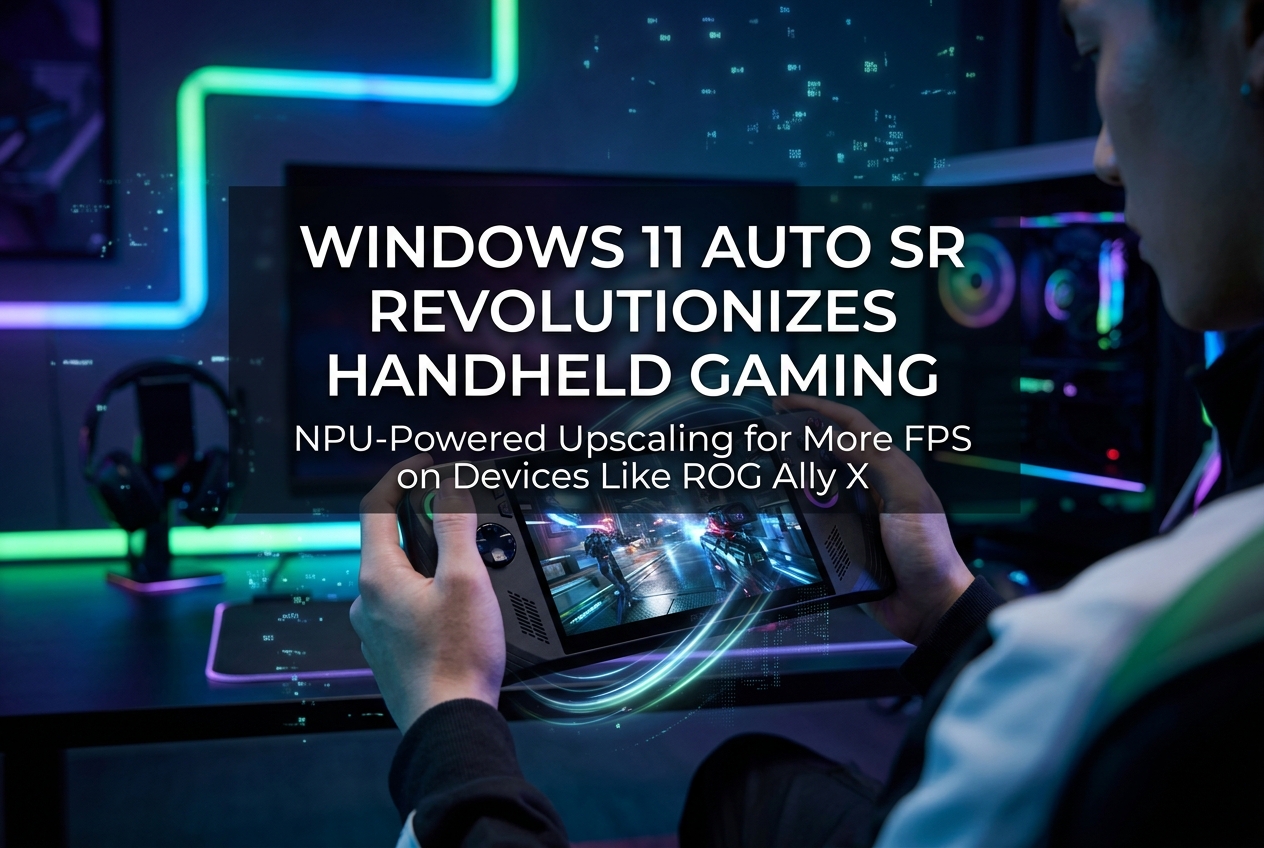
Microsoft’s Auto SR feature for Windows 11 uses the NPU to upscale games at the OS level, delivering up to 42% more FPS on the ROG Xbox Ally X. Here is everything you need to know about the technology, real benchmark results, and what it means for handheld gaming.
Microsoft launched the Automatic Super Resolution (Auto SR) preview for the ROG Xbox Ally X on April 30, 2026, marking the first time this AI-powered upscaling technology has reached an x86-based gaming handheld. Auto SR runs on the device’s built-in NPU (Neural Processing Unit), upscaling games from 720p to near-1080p or even 1440p-like quality while delivering up to 42% higher frame rates in tested titles. The feature works at the operating system level and requires zero developer integration, making it compatible with virtually every DirectX 11 and DirectX 12 game in a player’s library.
What Is Auto SR and How Does It Work?
Auto SR is an OS-integrated AI upscaling solution built into Windows 11. Unlike game-level super resolution technologies such as NVIDIA DLSS, AMD FSR, or Intel XeSS, Auto SR does not require developers to implement anything. It intercepts rendered frames at a lower resolution and uses a convolutional neural network (CNN) trained on gaming content to reconstruct higher-resolution output.
According to Microsoft’s DirectX developer blog, the system automatically lowers the desktop resolution before launching a game, causing the GPU to render at a reduced resolution. The AI model then upscales the output. Once the game is closed, the desktop returns to its original state. In fullscreen or borderless windowed modes, the resolution shift is virtually invisible to the player.
Why the NPU Changes Everything for Handhelds
The defining advantage of Auto SR over existing upscaling solutions is that it runs on the NPU rather than the GPU. Traditional super resolution technologies consume GPU frame time, typically limited to 1-2 milliseconds to avoid impacting performance. This constrains model size and quality.
Auto SR sidesteps this entirely. By running larger AI models on the NPU in parallel with the GPU, it gets an entire extra frame of processing time. The GPU immediately moves to rendering the next frame, resulting in essentially zero frame-time overhead. The trade-off is approximately one frame of latency, which Microsoft says most players do not notice during testing.
This matters enormously on gaming handhelds like the ROG Xbox Ally X, where memory bandwidth is constrained. Game-integrated upscalers still require the game to provide detailed texture data through memory, limiting FPS gains. Auto SR reconstructs texture detail using its own AI model, bypassing this bandwidth bottleneck entirely.
Real Benchmark Results from the ROG Xbox Ally X
ETA PRIME published extensive benchmarks on May 1, 2026, testing Auto SR across multiple AAA games on the ROG Xbox Ally X running at 35W TDP with the Ryzen Z2 Extreme APU. The results demonstrate meaningful real-world gains:
| Game | Without Auto SR (1080p) | With Auto SR (720p upscaled) | FPS Increase |
|---|---|---|---|
| God of War Ragnarök | 40 FPS | 57 FPS | 42% |
| Black Myth: Wukong | 51 FPS | 66 FPS | 29% |
| Red Dead Redemption 2 | 52 FPS | 67 FPS | 29% |
| Cyberpunk 2077 (Ultra) | 36 FPS | 47 FPS | 30% |
| Forza Horizon 5 (Ultra, 1440p) | 35 FPS | 51 FPS | 30%+ |
Microsoft’s own demos at GDC 2026 showed Forza Horizon 5 jumping from 35 FPS to 51 FPS average with Auto SR enabled. On the ROG Xbox Ally X’s internal display, Cyberpunk 2077 at 720p with Auto SR looked almost as sharp as running natively at 1080p, according to ETA PRIME’s visual analysis.
Not Every Game Benefits Equally
Independent testing reveals that Auto SR does not work equally well in every title. A separate review stream testing Auto SR on launch day found that Crimson Desert experienced a performance drop to around 40 FPS with Auto SR at 720p, compared to 48-49 FPS at native 720p without it. The feature also introduced noticeable image noise and shimmer in that game.
God of War showed micro-level improvements in texture detail (particularly on fur and metal surfaces) but came with a performance penalty compared to running at native 720p without upscaling. The best results appeared in Resident Evil, where Auto SR improved clarity of text on signs and reduced flickering on thin objects while maintaining stable frame times.
These mixed results underline that Auto SR is still in preview. Game-by-game compatibility varies, and players should experiment with their favourite titles.
Why Is It Docked-Only for Now?
The Auto SR preview on the ROG Xbox Ally X currently works only when the device is docked and connected to an external display. Microsoft explains that docked play is where players see the most value from super resolution. On the 7-inch internal screen at 1080p, games already look sharp enough. When output is stretched to a larger TV or monitor, resolution and detail loss become far more noticeable.
ETA PRIME confirmed that Auto SR can technically work on the internal display, but the device must be plugged into a power source. Battery-powered use is not yet supported. Microsoft has indicated that these restrictions will be relaxed in future updates as the feature matures.
Auto SR vs DLSS vs FSR: How Do They Compare?
The most common question around Auto SR is how it stacks up against established upscaling technologies. Here is a direct comparison:
| Feature | Auto SR | DLSS / FSR / XeSS |
|---|---|---|
| Integration Level | OS-level (Windows 11) | Per-game engine integration |
| Processing Unit | NPU | GPU (Tensor Cores / Shaders) |
| Developer Work Required | None | Full integration per title |
| Additional Data Used | None (rendered frame only) | Motion vectors, depth, jitter |
| Game Compatibility | All DirectX 11/12 games | Only integrated titles |
| Image Quality Ceiling | High (but no temporal data) | Generally higher due to extra data |
| Latency | ~1 frame average | Typically lower |
DLSS and FSR still deliver superior image quality in supported titles because they leverage additional in-game data like motion vectors and sub-pixel rendering. Auto SR’s strength lies in its universality: it works everywhere, on every compatible game, with no developer effort. Microsoft positions the two approaches as complementary rather than competing. Use game-integrated SR when available; let Auto SR fill the gap when it is not.
Which Games Should You Try?
Microsoft’s recommended list for the Auto SR preview on the ROG Xbox Ally X includes: Assassin’s Creed: Mirage, Assassin’s Creed: Valhalla, Assetto Corsa, Avowed, Control, DOOM: The Dark Ages, Far Cry 6, Forza Horizon 5, Frostpunk 2, Grounded 2, Psychonauts 2, Rise of the Tomb Raider, The Outer Worlds 2, Tom Clancy’s Rainbow Six Siege, Tom Clancy’s The Division 2, and War Thunder.
Beyond this list, players can manually enable Auto SR for any DirectX 11/12 game through Windows Graphics Settings or the Game Bar. Results may vary with untested titles, and Microsoft actively encourages feedback at [email protected].
How to Enable Auto SR on the ROG Xbox Ally X
- Enrol in the Xbox Insider programme on your device.
- Dock the ROG Xbox Ally X and connect it to an external display.
- Open Xbox Game Bar by pressing the Xbox button.
- Navigate to the Display Widget and look for the Auto SR tab.
- Enable Auto SR. Per-game controls are available directly in Game Bar.
- Ensure the latest Auto SR package is installed from the Microsoft Store.
If the Auto SR tab does not appear, exit Xbox Mode (Game Bar > Settings > Exit Xbox mode), then check Microsoft Store > Downloads for pending updates.
What Players Usually Ask
Does Auto SR work on older games?
Yes. Any game using DirectX 11 or DirectX 12 can work with Auto SR. This includes titles released years ago that never received DLSS or FSR support. DirectX 9, Vulkan, and OpenGL games are not supported.
Does Auto SR add noticeable input lag?
It introduces roughly one frame of latency on average. Microsoft’s internal testing found most players did not notice this. However, competitive multiplayer players sensitive to input delay should evaluate it on a per-game basis.
Can I use Auto SR without an NPU?
No. An NPU is required. Older PCs and handhelds without NPU hardware cannot run Auto SR. Currently supported devices include Snapdragon X-based Copilot+ PCs and the ROG Xbox Ally X with its Ryzen Z2 Extreme APU.
Will it work on battery power?
Not yet on the ROG Xbox Ally X. The preview requires the device to be plugged in. Future updates are expected to extend battery support, which could also bring potential power-efficiency benefits since NPU operations consume less energy than GPU-based upscaling.
Does Auto SR replace DLSS or FSR?
Not exactly. When a game has built-in DLSS or FSR support, those technologies typically deliver higher image quality because they use additional in-engine data. Auto SR is best used for games that lack native upscaling support, or in situations where game-integrated SR cannot simultaneously deliver quality and FPS on constrained hardware.
The Bigger Picture: NPU Gaming Is Just Getting Started
Auto SR represents the first compelling gaming use case for NPUs, which have so far been used primarily for AI assistants, background noise cancellation, and webcam effects. Microsoft’s next-generation Xbox console, codenamed Project Helix, is confirmed to include a 110 TOPS dedicated NPU. AMD’s upcoming FSR Diamond technology will also leverage AI for upscaling, ray-tracing regeneration, and multi-frame generation.
For the handheld market specifically, Auto SR could prove transformative. AMD’s superior AI-powered FSR 4 has shown no signs of coming to PC gaming handhelds. That gap makes Auto SR potentially the most impactful AI upscaling option available on Windows-based portable devices. As Microsoft’s Windows K2 project continues to optimise Windows 11 for handheld gaming with better power management, shader pre-compilation, and reduced background workload, the overall portable gaming experience on Windows is set to improve significantly through 2026.
The preview is live now for Xbox Insiders. As Microsoft collects feedback and expands device support, Auto SR may evolve from a promising experiment into a standard feature that every Windows gaming handheld relies on. For more on how Microsoft’s Xbox ecosystem is evolving, check out the latest coverage on the GamerMarkt blog.