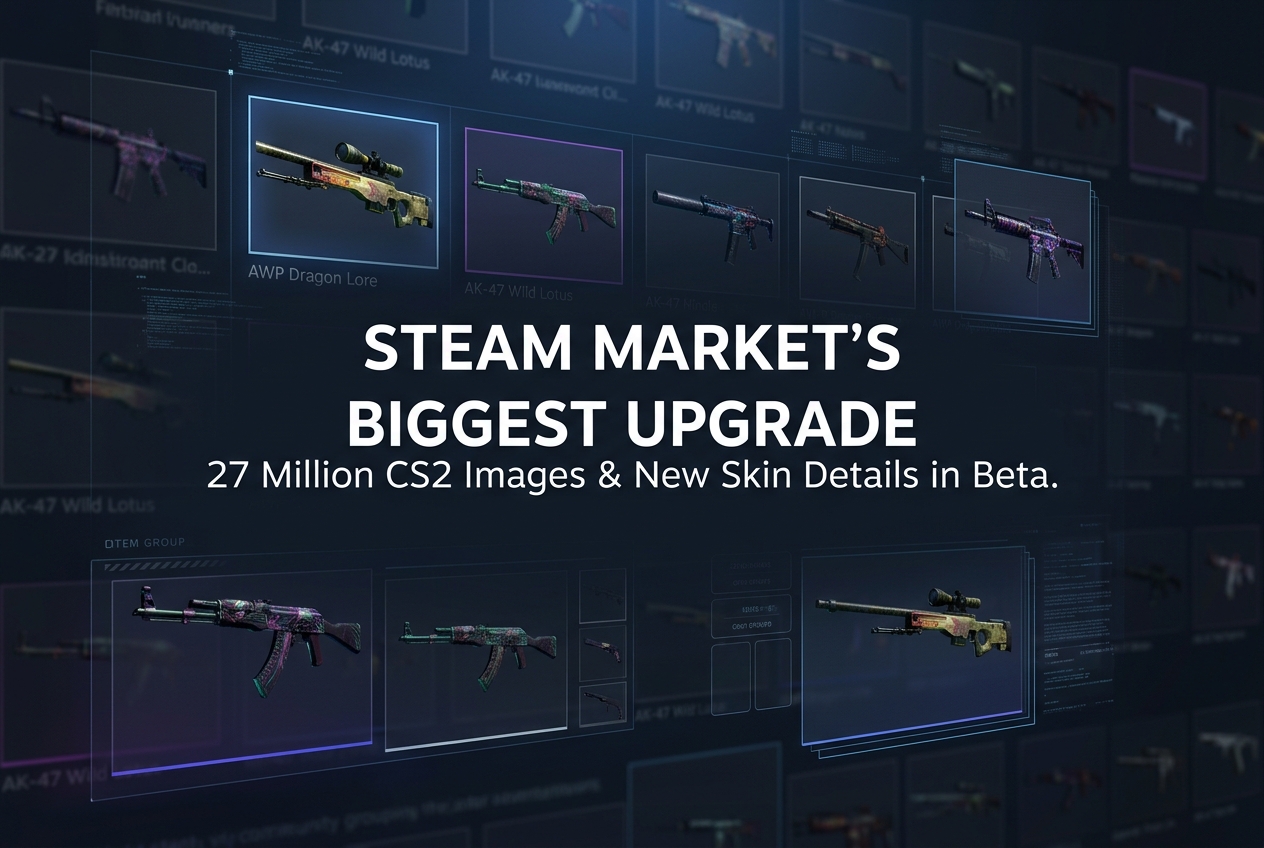
Valve launched a major Steam Community Market overhaul featuring 27 million unique Counter-Strike images, inline float values, dynamic filters, item grouping, and redesigned price graphs, all available in beta now.
Valve has launched the largest update to the Steam Community Market in years, completely reworking item pages, listing displays, search tools, and filtering systems. With more than 13,000 games supporting Steam Community items and over 700 games featuring tradable in-game items, the existing Market tools were no longer keeping up with the volume and complexity of listed content. The update is now live in Steam Beta.
Why Did Valve Redesign the Market?
According to Valve, the Market’s browsing and discovery tools had become inadequate for the scale of content they now host. The sheer number of items across hundreds of games made the old interface feel dated and clunky. This redesign addresses the core experience of searching, comparing, and inspecting listings, with a particular focus on games with large item economies like Counter-Strike 2.
27 Million Unique Images for Counter-Strike Listings
One of the most striking changes targets CS2 players. Every Counter-Strike listing on the Market now uses a uniquely generated image instead of a generic item preview. To backfill existing listings, Valve created over 27 million individual images. Each image showcases the exact condition, pattern, and appearance of that specific item, letting buyers see precisely what they are purchasing without launching the game.
Listings now display wear/float values, pattern templates, applied stickers, and charms directly on the page. Previously, accessing this level of detail required third-party browser extensions like CSFloat Market Checker or in-game inspection. The new system eliminates that dependency entirely within the official Steam interface.
Item Grouping: Compare Wear Levels on One Page
Many items on the Market are simply different versions of the same base item. A single Counter-Strike skin can have up to 10 different variations depending on wear level. Previously, each wear category lived on a separate page. The new update groups all versions together with a tabbed interface. Hovering over a tab shows a preview of that wear level, and clicking it instantly updates both the listings and the price graph below.
This makes side-by-side comparison dramatically faster, especially for traders evaluating price differences between Factory New and Minimal Wear versions of the same skin.
Dynamic Filters and Faster Search
The Market’s search system has been rebuilt with dynamic filters that appear on both item pages and search result pages. These filters are generated automatically from existing item data, meaning you can filter by any property the system knows about: price range, popularity, quantity, and game-specific attributes.
New sorting options include popularity, price, and quantity. Results update instantly when a filter changes, and infinite scroll replaces traditional pagination, loading more listings automatically as you browse. Search and filtering speed has been noticeably improved across the board.
Sticker and Accessory Details Directly in Listings
Applied accessories like stickers and charms now receive expanded treatment in each listing. The Market shows clearer images of attached items, links directly to those accessories’ own Market listings, and displays their current estimated value. For skin traders who evaluate sticker combinations as a major pricing factor, this is a significant quality-of-life improvement.
Redesigned Price Graphs with Volume Data
The price graphs on item pages have been completely overhauled. Beyond the standard price history, charts now show quantity/volume data alongside price movements. For grouped items, multiple data sets can be displayed simultaneously, making it easier to compare pricing trends across different wear levels of the same skin. Numerous usability and performance fixes accompany the new graphs.
Easier Access to Steam Community Items
Emoticons, trading cards, and profile backgrounds have been tradable on the Market for years, but finding the right filters for them was often frustrating. The update makes switching between in-game items and Steam Community items much simpler. While browsing booster packs for trading cards, you can now see direct links between cases and the items they contain.
Completely Reworked Item Pages
Individual item pages now use a wider layout that displays listings in a full-width grid. Category links, improved graphs, and dynamic filters are embedded directly into these pages. Scrolling down reveals new, larger listing cards with asset and accessory information shown inline. Breadcrumb navigation and access to advanced search from more page headers round out the navigation improvements.
How to Access the New Market Beta
All new features are currently available through the Steam Client Beta. To opt in, go to Steam Settings, select Interface, and change Client Beta Participation to “Steam Beta Update.” Steam will restart with the new Market experience enabled. If you want to return to the old version, you can exit the Market beta using the toggle at the top of any Market page.
What This Means for Skin Trading
This update brings the official Steam Community Market much closer to the functionality previously offered only by third-party marketplaces. Inline float values, unique listing images, sticker value references, item grouping, and real-time filtering were features that pushed traders toward external tools and websites. With Valve building these capabilities natively into Steam, the gap between the official Market and third-party alternatives has narrowed considerably.
For Counter-Strike 2 traders specifically, the ability to evaluate skins entirely within Steam, complete with accurate visuals and detailed item properties, makes purchase decisions faster and more informed. The update is still in beta, with Valve collecting community feedback for further refinement before a full rollout.