A top-tier gaming PC built with the NVIDIA RTX 5090 and AMD Ryzen 9 9950X3D achieves over 1000 FPS in CS2, 1500 FPS in Valorant, and 485 FPS in GTA V at ultra settings. Paired with a 600 Hz monitor, this system pushes competitive gaming hardware to its absolute limit.
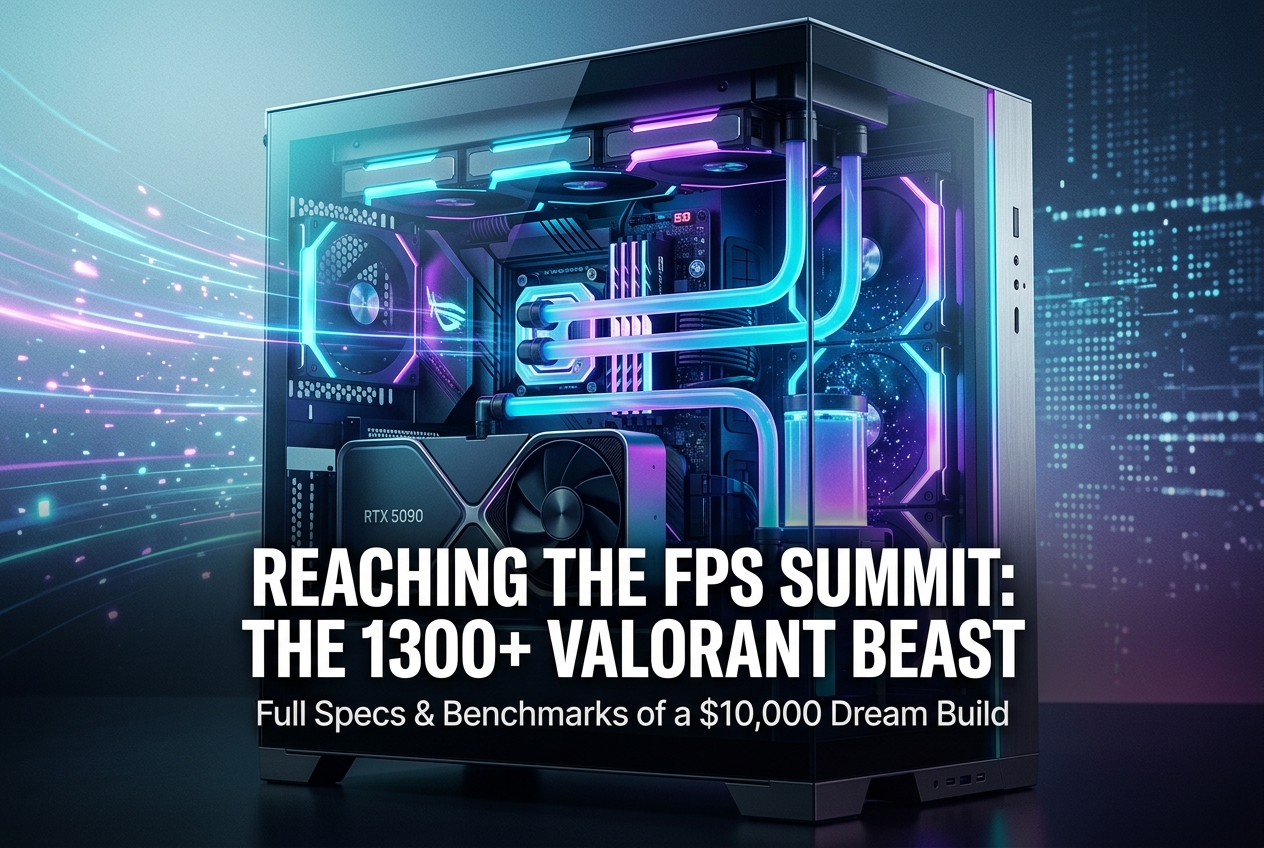
A gaming PC built around the NVIDIA GeForce RTX 5090 and AMD Ryzen 9 9950X3D has achieved staggering frame rates that redefine what consumer hardware can do: over 1000 FPS average in Counter-Strike 2, 1500 FPS in Valorant, and 2200 FPS in CS:GO Legacy. The system, valued at approximately 350,000 Turkish Lira (roughly $10,000), was assembled by Turkish content creator Unlost and tested with a BenQ Zowie XL2586X+ 600 Hz monitor to fully showcase its output. These results were captured at 1080p resolution with aggressive software optimizations applied on top of the raw hardware.
What Hardware Powers This Build?
The build centres on two flagship components: the NVIDIA GeForce RTX 5090 and the AMD Ryzen 9 9950X3D. The RTX 5090, launched in January 2025 at $1,999 MSRP, is built on NVIDIA’s Blackwell architecture (GB202 die) with 21,760 CUDA cores, 32 GB of GDDR7 memory on a 512-bit bus, and 1,792 GB/s of memory bandwidth. That bandwidth figure represents a 77% increase over the RTX 4090. The card’s total graphics power sits at 575W, demanding at least a 1000W power supply.
The CPU is AMD’s Ryzen 9 9950X3D, a 16-core, 32-thread processor with 144 MB of total cache (128 MB of 3D V-Cache) and boost clocks up to 5.7 GHz. Tom’s Hardware benchmarks show it is 37% faster than Intel’s Core Ultra 9 285K in 1080p gaming on average, and it ties the Ryzen 7 9800X3D in pure gaming workloads while offering substantially better productivity performance thanks to its dual-CCD design. AMD’s second-generation 3D V-Cache places the stacked SRAM beneath the compute die rather than on top, eliminating the thermal bottleneck that constrained earlier X3D models. The result is a full 170W TDP instead of the previous generation’s restricted 120W.
Supporting components include DDR5 6400 MHz CL32 RAM (overclocked to CL28 timings), a PCIe Gen 5 NVMe SSD enabling roughly 6-second boot times, and the BenQ Zowie XL2586X+ monitor: a 24.1-inch 1080p TN panel running at 600 Hz with DyAc 2 motion clarity technology.
Baseline Performance: No Tweaks Applied
Before any Windows or BIOS optimizations, the system was tested in CS2’s benchmark mode with a fresh operating system install. The result was an average of 767 FPS, with a minimum of 617 FPS and a peak of 1040 FPS. These numbers alone are extraordinary. The minimum frame rate never dropped below the 600 Hz monitor’s refresh ceiling, meaning every single frame was displayed without repetition or tearing.
For context, most competitive CS2 players consider 300 FPS a strong target. Reaching 767 FPS average out of the box, with zero optimizations, illustrates how far ahead this hardware combination sits relative to mainstream builds.
After Optimization: Breaking the 1000 FPS Barrier
The real jump came after software-level tuning. This included disabling unnecessary Windows background services, turning off Steam notifications, applying custom registry and CMD tweaks, adjusting BIOS power settings, tightening RAM timings from CL32 to CL28, and applying game-specific performance configurations. The result in the same CS2 benchmark: 1013 FPS average, with a minimum of 800 FPS. That represents a 32% performance uplift from software alone.
The takeaway is critical for any gamer: even with top-tier hardware, improper system configuration leaves significant performance on the table. Disabling background processes, enabling high-performance power plans, and tuning memory timings are steps that benefit systems at every price tier. The difference between “plug and play” and “properly optimised” can translate to hundreds of extra frames in CPU-bound esports titles.
CS:GO Legacy Mode: 2200 FPS
Switching from CS2 to CS:GO Legacy mode on the same hardware produced a dramatic doubling of frame rates. Where CS2 averaged around 1100 FPS in casual play, CS:GO delivered approximately 2200 FPS. This highlights the significant overhead introduced by CS2’s Source 2 engine compared to the original Source engine. Both games are heavily CPU-bound, so the Ryzen 9 9950X3D’s massive 128 MB 3D V-Cache directly drives these results by keeping game data close to the execution cores.
Valorant, Fortnite, GTA V, and PUBG Results
Valorant delivered the most consistent results across all games tested. On an empty practice map, the system averaged roughly 1500 FPS with minimums staying above 1300. In a Deathmatch with 12-14 players, averages remained above 1000 FPS. Valorant’s engine architecture is notably stable: the gap between maximum and minimum frames stayed within 15-20%, which is remarkable at these extreme frame rates.
Fortnite at 1080p competitive settings opened at 1156 FPS and averaged 735 FPS in a 99-player server. GTA V with every graphical setting maxed out (ultra textures, 16x anisotropic filtering) averaged 485 FPS. PUBG, a game notorious for inconsistent performance, managed 510-532 FPS average even while rendering all players on-screen.
| Game | Resolution | Average FPS | Notes |
|---|---|---|---|
| CS2 (no tweaks) | 1080p | 767 | Benchmark map |
| CS2 (optimised) | 1080p | 1013 | Min. 800 FPS |
| CS:GO Legacy | 1080p | ~2200 | Record-level output |
| Valorant (empty map) | 1080p | ~1500 | Min. 1300 FPS |
| Valorant (Deathmatch) | 1080p | 1000+ | 12-14 players |
| Fortnite | 1080p competitive | 735 | 99-player server |
| GTA V | 1080p Ultra | 485 | All settings maxed |
| PUBG | 1080p | 510-532 | Full player count visible |
RTX 5090 and 9950X3D: The Key Specs That Matter
The RTX 5090 represents a substantial generational leap. Gamers Nexus measured 20-50% rasterisation improvements over the RTX 4090 at 4K, while ray tracing gains land between 27-35% depending on the title. At lower resolutions like 1080p, the card is increasingly CPU-limited, which is precisely why the Ryzen 9 9950X3D pairing matters so much for these extreme FPS tests. The card also introduces DLSS 4 with Multi Frame Generation, an AI-driven technique exclusive to the RTX 50 series that can generate up to three interpolated frames for every traditionally rendered frame.
The Ryzen 9 9950X3D’s primary advantage comes from its 3D V-Cache: 64 MB of stacked SRAM that brings the total L3 cache to 128 MB. AMD’s Zen 5 architecture, combined with the bottom-mounted cache design, means this chip boosts to approximately 5.5-5.7 GHz in real-world gaming without the thermal constraints of earlier X3D models. Eurogamer’s review confirmed near-parity gaming performance with the 9800X3D while being roughly 10% faster than the non-X3D 9950X and 22% faster than Intel’s Core Ultra 9 285K.
Does a 600 Hz Monitor Actually Matter?
The BenQ Zowie XL2586X+ is designed for professional esports. At 600 Hz on a 1080p TN panel, it can display 600 unique frames per second, which means every frame below that threshold is genuinely rendered and shown. The monitor requires Windows 11 (updated past November 2023) and recommends at least an RTX 40 series GPU or equivalent.
For most gamers, 240 Hz or 360 Hz monitors remain the practical sweet spot. The difference between 360 Hz and 600 Hz is measurable but far less perceptible than the jump from 60 Hz to 144 Hz. However, at the professional level, where input latency measured in single-digit milliseconds determines engagements, the extra refresh rate offers a genuine, if marginal, competitive edge.
What Everyday Gamers Should Take Away
This build is not realistic for most budgets. The RTX 5090 alone carries a $1,999 MSRP (with actual street prices often exceeding $3,500 due to supply constraints), and the 9950X3D costs $699. However, the performance uplift from software optimization is universally applicable. Steps that translate to real FPS gains on any hardware include:
- Enabling XMP/DOCP memory profiles in BIOS
- Activating Precision Boost Overdrive (AMD) or removing power limits (Intel)
- Setting Windows to High Performance or Ultimate Performance power plan
- Disabling unnecessary startup applications and background services
- Keeping GPU drivers updated with clean installations using DDU
- Using DLSS, FSR, or XeSS upscaling in supported games
These adjustments cost nothing and can yield 15-30% more FPS depending on the starting configuration.
Common Questions About Extreme FPS Builds
Can you actually see a difference above 360 FPS?
Human visual perception varies, but competitive players consistently report feeling lower input latency at higher frame rates, even on monitors that cannot display every frame. System latency decreases as FPS increases, because the GPU generates more recent frames for the display to pick from. NVIDIA Reflex data confirms that going from 300 to 600 FPS can shave 2-4 milliseconds off total PC latency.
Is the RTX 5090 worth it over the RTX 5080?
For 4K gaming with ray tracing, the RTX 5090 offers 20-50% more performance than the previous-gen RTX 4090, and it significantly outperforms the RTX 5080 (which uses the smaller GB203 die with 10,752 CUDA cores and 16 GB VRAM). At 1080p in esports titles, the difference narrows because the CPU becomes the bottleneck. The 5090’s $1,999 price means it only makes sense for no-compromise builds or content creators who also need the 32 GB VRAM for AI and rendering work.
How does 3D V-Cache improve gaming?
3D V-Cache adds a layer of SRAM directly onto the CPU die, dramatically increasing the amount of data that can be accessed at low latency. Games frequently access the same data repeatedly (textures, physics states, AI routines), and having 128 MB of L3 cache means far fewer trips to slower system memory. This is why X3D processors dominate in titles like CS2, Valorant, and Fortnite, where CPU-side performance directly dictates frame rates.
What power supply do you need for an RTX 5090 build?
NVIDIA recommends a minimum 1000W PSU. Real-world testing shows total system power consumption reaching 775-850W under load with an RTX 5090 and high-end CPU. An ATX 3.1 compliant 1200W unit provides comfortable headroom, especially if you plan to overclock.