
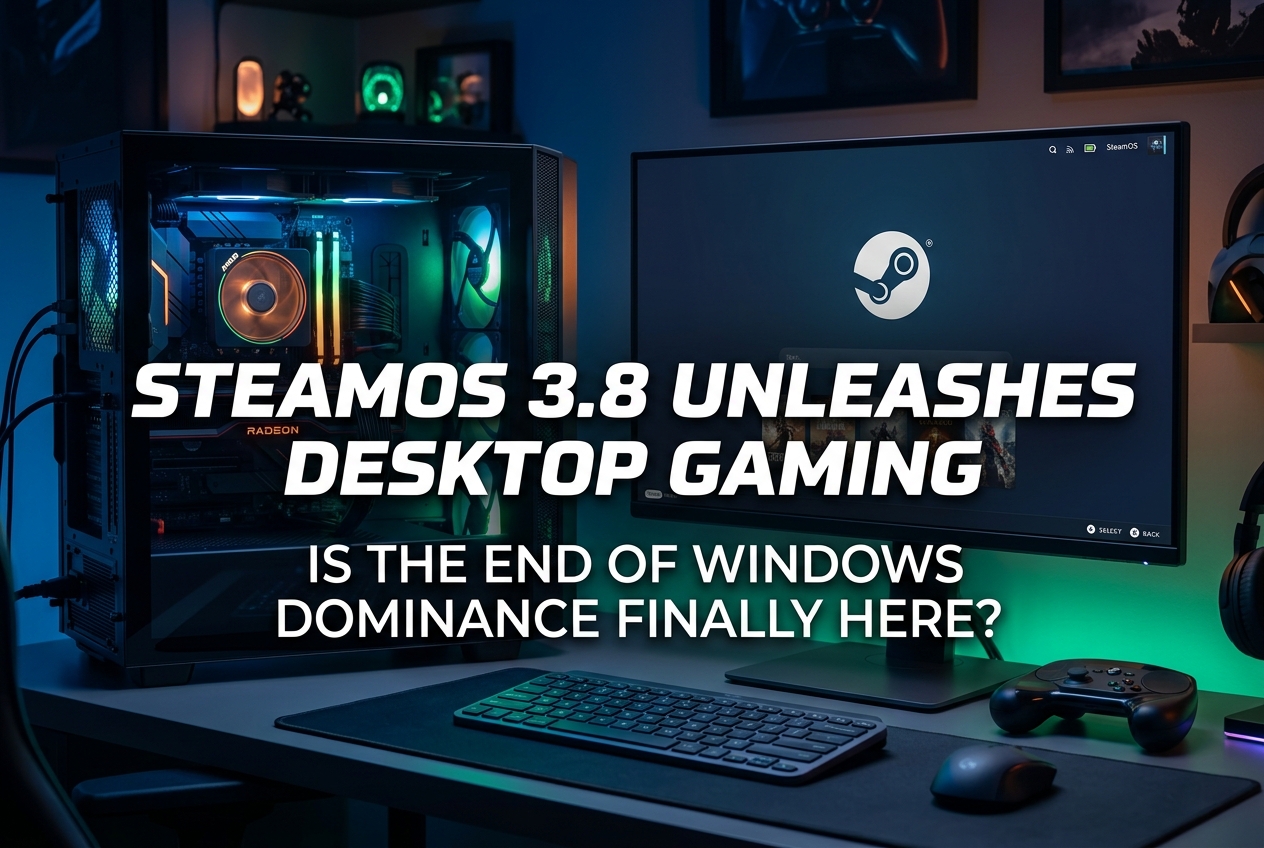
Valve’s SteamOS 3.8 now officially supports desktop PCs with AMD GPUs. With Linux doubling its Steam market share in a year and the Steam Machine launching on June 29, the gap between SteamOS and Windows is narrowing faster than ever.
Valve released SteamOS 3.8 on June 22, 2026, and for the first time, the company is officially inviting gamers to install it on their own desktop hardware. Linux’s share on Steam reached 5.33% in March 2026, doubling from 2.3% a year earlier, while Windows dropped to 92.33%. The shift is still small in absolute terms, but it represents roughly 20 million Linux gamers on the platform, and the momentum is accelerating.
What SteamOS 3.8 Actually Changes
SteamOS 3.8 is not just a Steam Deck update. Valve explicitly stated that users can now “assemble their own Steam Machines using any PC components they prefer.” The update brings KDE Plasma 6.4.3 with Wayland as the default display protocol, significantly improving the desktop experience for those who want SteamOS on a traditional PC.
Key technical improvements include:
- Greatly improved VRAM management on discrete GPU platforms
- HDMI VRR (variable refresh rate) support for native HDMI output
- Updated graphics drivers with performance and stability fixes
- Fixed performance regressions between game mode and desktop mode
- Improved compatibility with recent Intel and AMD platforms
- HDR support and per-display scale factors for external monitors
The catch: only AMD GPUs are officially supported right now. Nvidia users remain locked out of the official SteamOS experience, though third-party distros like Bazzite offer workarounds.
Where Does Nvidia Support Stand?
Valve engineer Pierre-Loup Griffais confirmed in an interview with The Verge that Valve has “an expanding team” working on Nvidia driver support for SteamOS and is “collaborating very closely with Nvidia.” However, he indicated that this support may not arrive in 2026. Given that Nvidia dominates the discrete GPU market among Steam users, this remains the single biggest barrier to widespread SteamOS adoption on desktops.
Some users have managed to boot SteamOS on Intel Arc B580 desktop GPUs, and Intel has confirmed it is working with Valve on Mesa driver development. But for the roughly 60%+ of Steam gamers running Nvidia hardware, the wait continues.
Why Gamers Are Looking Beyond Windows 11
The shift away from Windows is not happening because Linux suddenly became perfect. It is happening because Windows gave people reasons to leave. Microsoft’s aggressive AI-first direction, with Copilot integration, OneDrive nudges, and taskbar AI agents, has frustrated gamers who want a clean, game-focused operating system.
The Verge senior editor Nathan Edwards publicly declared 2026 his “year of Linux on the desktop,” switching his high-end gaming rig to CachyOS, an Arch-based distro. His reasoning reflects a broader sentiment: Windows 11’s relentless feature creep, forced updates, and increasing hardware demands are pushing technically literate users to explore alternatives.
The end of Windows 10 support in October 2025 added fuel. As of March 2026, 27% of Windows users on Steam were still running Windows 10. Many of those machines cannot officially upgrade to Windows 11 due to TPM 2.0 and Secure Boot requirements, making Linux a practical option rather than just an ideological one.
How Does SteamOS Actually Perform Against Windows?
Benchmarks tell a nuanced story. On AMD-based handhelds and APU systems, SteamOS consistently matches or beats Windows 11. Tests by tech YouTuber ETA Prime on an all-AMD desktop showed SteamOS pulling ahead in Cyberpunk 2077 and Spider-Man 2, though Windows won in Microsoft Studios titles like Forza Horizon 4 by up to 21.6%.
Ars Technica’s testing on the Lenovo Legion Go S found SteamOS delivering 9-10 FPS more at high settings and 17-20 FPS more at low settings compared to Windows. Dave2D’s tests confirmed similar results across Helldivers 2, Doom Eternal, and The Witcher 3.
On high-end desktop systems with discrete GPUs, the picture is more balanced. Windows 11 still holds advantages in some scenarios, particularly with Nvidia hardware. But the gap has narrowed dramatically, and for AMD-only builds, SteamOS is now a genuinely competitive choice.
The Anti-Cheat Problem: Still the Biggest Blocker
Proton, Valve’s compatibility layer, now makes approximately 90% of the Steam library playable on Linux, around 106,000 titles. But the remaining 10% includes some of the most popular competitive multiplayer games.
Kernel-level anti-cheat remains the hard wall. Valorant and certain Call of Duty titles with Ricochet anti-cheat simply do not work on Linux. Easy Anti-Cheat (EAC) and BattlEye can technically support Proton, but developers must explicitly opt in. Rocket League recently added EAC while confirming Linux support through Proton, showing that the situation is improving on a title-by-title basis.
For competitive FPS players, this is the dealbreaker. If your primary game uses kernel-level anti-cheat without Linux support, Windows remains a necessity, at least for that title.
Steam Machine 2026: Valve’s Living Room Bet
The Steam Machine launches on June 29, 2026, giving SteamOS its first dedicated desktop hardware since the failed 2015 attempt. This time, Valve controls both software and hardware, similar to what made the Steam Deck successful.
Pricing starts at $1,049 for the 512GB model and goes up to $1,428 for the 2TB bundle with Steam Controller. The hardware runs on a semi-custom AMD Zen 4 CPU, RDNA 3-based GPU with 8GB GDDR6 VRAM, and 16GB DDR5 RAM.
| Configuration | Storage | Controller Included | Price (USD) |
|---|---|---|---|
| Base | 512 GB | No | $1,049 |
| Base + Controller | 512 GB | Yes | $1,128 |
| Premium | 2 TB | No | $1,349 |
| Premium + Controller | 2 TB | Yes | $1,428 |
Initial availability covers North America, the EU, the UK, and Australia. Valve uses a reservation-based lottery system, requiring a Steam account with at least one purchase before April 27, 2026.
Should You Switch to SteamOS Right Now?
That depends on your hardware and your library. Here is a practical framework:
- Strong candidate for SteamOS: You have an AMD GPU (RX 6000 or 7000 series), primarily play single-player and co-op games on Steam, and are tired of Windows bloat.
- Consider dual-booting: You play a mix of competitive multiplayer and single-player games. Keep Windows for anti-cheat-dependent titles and use SteamOS for everything else.
- Stay on Windows for now: You rely on Nvidia hardware, play Valorant or other kernel-anti-cheat titles competitively, or depend on Xbox Game Pass.
For those who want to try without commitment, SteamOS can be installed on a separate SSD or external drive. The entire installation process takes about 10 minutes with a USB stick.
The Bigger Picture: Competition Benefits Everyone
Valve’s Pierre-Loup Griffais has been clear that SteamOS is not trying to kill Windows. “We’re not trying to change users who have a good experience on Windows. SteamOS is just about providing an alternative,” he stated. But the existence of a viable alternative forces Microsoft to compete on quality rather than inertia.
Microsoft has already responded with its new Xbox PC app “full-screen experience” for handhelds, debuting on the ROG Xbox Ally. Whether that will be enough to counter SteamOS momentum remains to be seen.
What Players Usually Ask
Can I install SteamOS on any desktop PC?
As of SteamOS 3.8, yes, but only with AMD GPUs officially. Intel GPUs have partial community support, and Nvidia is not yet supported. You will also need to disable Secure Boot in your BIOS. The install is done via USB and takes roughly 10 minutes.
Which games do not work on SteamOS?
Games using kernel-level anti-cheat (Valorant, some CoD titles) do not run on Linux. Games using EAC or BattlEye may work if the developer has enabled Proton support. Always check ProtonDB and areweanticheatyet.com before committing to a switch.
Is SteamOS faster than Windows for gaming?
On APU-based systems and AMD-only builds, SteamOS often matches or outperforms Windows 11. On high-end desktops with discrete Nvidia GPUs, Windows still tends to hold a performance edge. The difference in most AMD scenarios is within a few FPS.
What about Game Pass on SteamOS?
Xbox Game Pass has no native SteamOS support. Cloud streaming through a browser is possible but does not offer the full experience. If Game Pass is central to your gaming, keeping a Windows partition or device is recommended.
When will Nvidia GPUs be supported on SteamOS?
Valve confirmed active development with Nvidia but has not committed to a timeline. Pierre-Loup Griffais indicated it likely will not arrive in 2026. Third-party distros like Bazzite offer unofficial Nvidia support in the meantime.