


























Diablo 4 CD Key
3 Products · € 60,95 – € 87,05
Products
3 Products
Standard Edition
Digital Deluxe Edition Top Seller
Ultimate Edition
Activation Guide
- Go to redeem.microsoft.com and sign in with the Microsoft account you use on Xbox.
- Enter your 25-character code and confirm.
- The game is added to your account. Install it from your library on your console or PC.
This product is an activation code, not an account. The game is added to the library of the Xbox account you enter the code in.
- In Stock
- Secure Payment
- Multiple Payment Methods


- 24/7 Customer Support

About This Game
 1 / 6
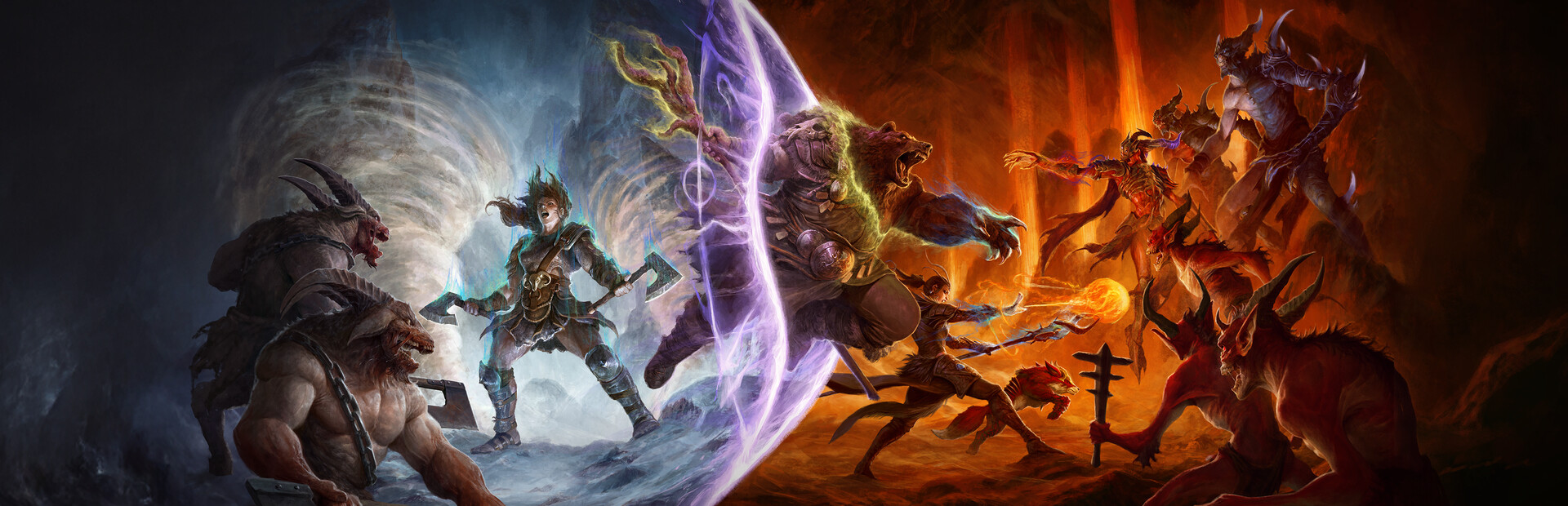
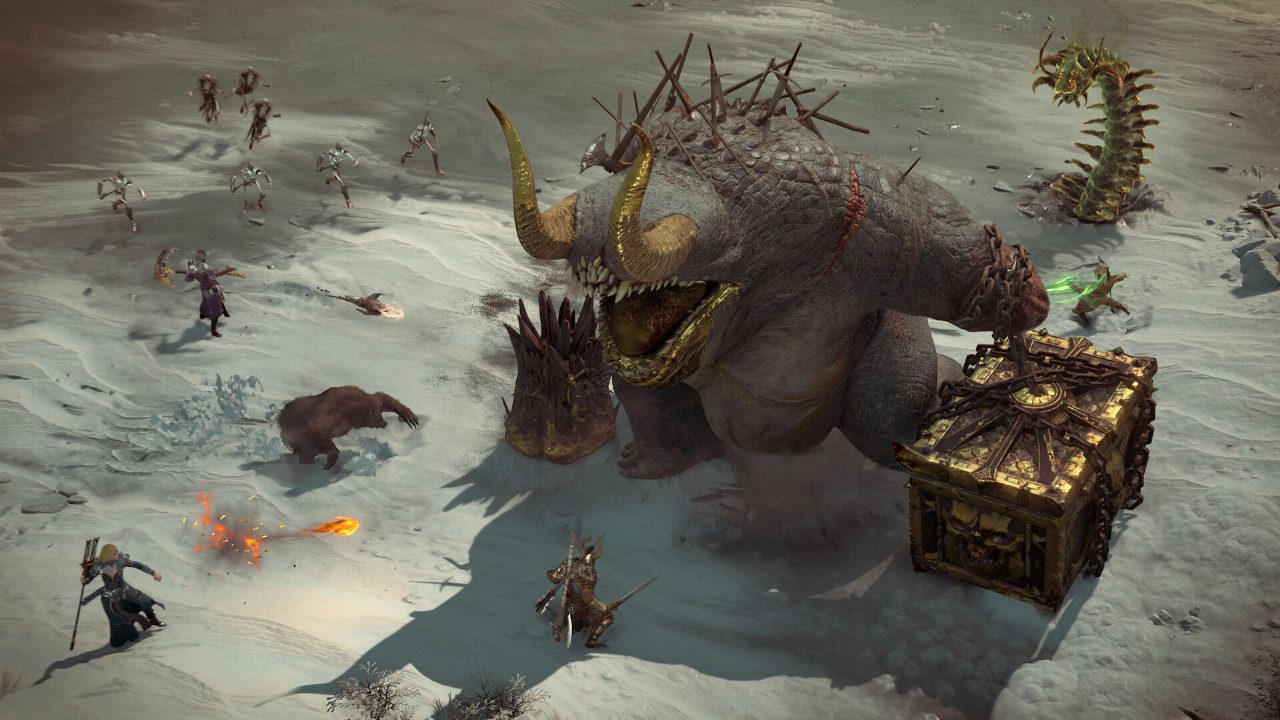
Join the fight for Sanctuary in Diablo® IV, the ultimate action RPG adventure. Experience the critically acclaimed campaign and new seasonal content.
System Requirements
Requires a 64-bit processor and operating system
Requires a 64-bit processor and operating system
Frequently Asked Questions
As of 25.11.2026, the 3 products cost between € 60,95 and € 87,05.
- Diablo IV Standard Edition (Xbox · Worldwide): € 60,95
- Diablo IV Digital Deluxe Edition (Xbox · Worldwide): € 78,35
- Diablo IV Ultimate Edition (Xbox · Worldwide): € 87,05
Yes. Lord of Hatred Standard Edition includes Vessel of Hatred and works with the Diablo IV base game you already play on Xbox. If you’re buying the base game and both expansions together, the Age of Hatred Collection on Xbox (opens in a new tab) bundles all three.
Yes. Keyboard and mouse play is available in the base game on Xbox One and Xbox Series X or Series S. Connect a compatible keyboard and mouse to your Xbox before launching Diablo IV. Blizzard added console support in the Diablo IV 2.3 update (opens in a new tab).
An Xbox console key unlocks Diablo IV on Xbox One, Xbox Series X and Xbox Series S. On Windows, you’ll need PC access, such as the Diablo IV PC edition (opens in a new tab) or a Game Pass plan that includes the PC game. To continue with a PC character on Xbox, link your console profile to the Battle.net account you already use for Diablo IV.
The UK Xbox Store listing for Diablo IV (opens in a new tab) shows the base game in Game Pass Premium and Ultimate. Subscription access lasts while your plan is active and the game is in its catalogue. You can launch the solo campaign from your library once you redeem a game key. Online multiplayer on console requires a Game Pass plan with that feature.
A Diablo 4 CD key unlocks Blizzard’s action RPG on the platform specified for that code. Diablo IV is available on Xbox One, Xbox Series X and Series S, PS4, PS5, Windows PC and Nintendo Switch 2. You’ll get the key for your chosen edition on the Diablo IV line in your order.
Diablo 4 Key Platforms and Regions
The platform bar shows which platforms have keys listed on this page. If all the keys for your selected platform work worldwide, you’ll see one line below the bar. “This key has no region restriction and can be activated in any country.”
If any keys are restricted by country, the card below the bar has a Country field for where you’ll redeem the code. If the field says Select Your Country, choose where you’ll activate the key. The note right above the editions shows where the key of the edition you pick works, and for a Global key with exclusions, how many countries it leaves out. When Show Countries is available, it opens the list of included or excluded countries.
The platform’s edition cards stay visible when you change the country. If an edition has no key for your selected country, its card shows Out of Stock and is locked, and the “Not on sale in this country yet” warning next to the Country field names it. If an edition that works in your country is Out of Stock, you can see its price and use Notify Me When in Stock to get an alert.
Playing on Xbox One and Xbox Series X or Series S
You can start Diablo IV on Xbox One and use the same licence if you move to a Series X or Series S. Smart Delivery gives you the download for the console you’re on. An internet connection and a Battle.net account are required even for a solo run through the campaign.
On one Xbox, two players can share a screen. Online co-op supports groups of up to four, including friends on other supported platforms. The Diablo IV Xbox Store listing (opens in a new tab) shows the supported consoles and play modes.
Standard, Digital Deluxe and Ultimate Editions
For the Xbox base game, Standard Edition gets you into the campaign and gives you access to the base game’s endgame dungeons. If you’re picking an edition for a particular cosmetic, Digital Deluxe comes with the Temptation mount and Hellborn Carapace mount armour. Ultimate adds the Wings of the Creator emote alongside those two extras.
Mount access has to be unlocked in Diablo IV before you can ride Temptation or equip Hellborn Carapace.
The accelerated Battle Pass in the Ultimate Edition catalogue entry refers to the launch-era pass. When Blizzard introduced Reliquaries in April 2025 (opens in a new tab), it announced an exchange for unused legacy tokens players already held. Check the in-game Reliquaries for the rewards available to you in the current season.
With an Xbox edition, the 25-character key adds the game to the Xbox library of the Microsoft account you use to redeem it. If you share a console, decide whose Xbox library should hold Diablo IV before you claim the key. Sign in to that Microsoft account on the Microsoft redemption page (redeem.microsoft.com) (opens in a new tab), or follow the console and Windows app instructions on the Xbox Game Keys page. That guide also covers code and region errors. For a missing code on the Diablo IV order line, use Create Support Request in the order details.
Diablo IV on Steam, Battle.net and the Xbox App for PC
On Windows, a Steam licence belongs to your Steam library and a Battle.net licence to your Blizzard account. To play Diablo IV on Steam, link your Steam account to your Battle.net account. You install the Battle.net edition through Blizzard’s app. If you play through Game Pass on Windows, the Xbox app links your Microsoft account to Battle.net.
Valve lists the Steam edition as Verified for Steam Deck. For Windows, the Diablo IV Steam listing (opens in a new tab) includes 8 GB of RAM, DirectX 12 and 90 GB of SSD space in its minimum requirements.
Diablo IV supports cross-play and cross-progression through Battle.net. You can continue with the same characters on linked platforms, using a game licence for each platform you play on.
Diablo IV on PS4, PS5 and Nintendo Switch 2
Diablo IV on PS4 and PS5 supports two players on the same console (opens in a new tab). Online co-op requires PlayStation Plus. If you’re redeeming a PlayStation code, its region must match your PlayStation Store account.
On Nintendo Switch 2, the Age of Hatred Collection (opens in a new tab) includes the base game, Vessel of Hatred and Lord of Hatred. A download code must match your Nintendo eShop region. You can continue your progress on Switch 2 with the same Battle.net account. Cross-play with friends on other platforms requires Nintendo Switch Online.
Playing in Nahantu and Skovos
For the Spiritborn and the jungles of Nahantu, you need access to Vessel of Hatred. To play the Paladin or Warlock and follow the campaign into Skovos, you need Lord of Hatred. Both campaigns require the base game. When looking up a Deluxe or Ultimate package on Xbox, check the full product name for the expansion you want.
If you’re adding funds to your Microsoft account to buy the expansion on Xbox Store, choose an Xbox Gift Card for your account’s store region.